How to Remove Negative Glassdoor Reviews
Quick Answer
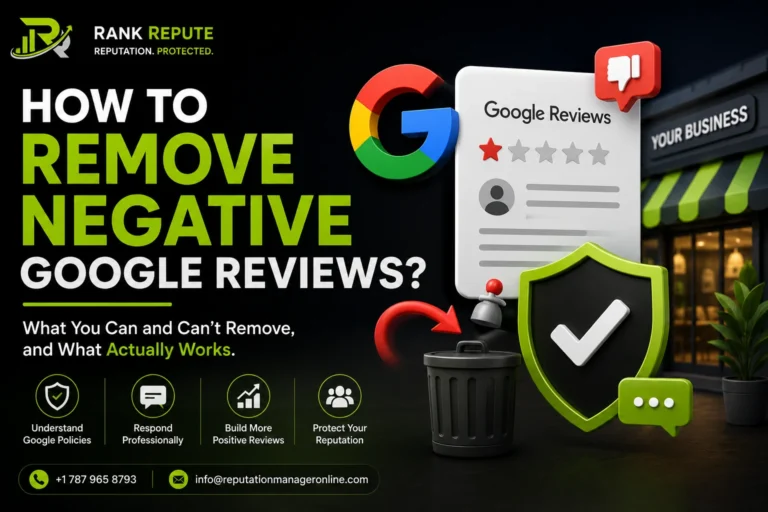
You cannot directly delete a Glassdoor review. Glassdoor only removes reviews that break its Community Guidelines, such as fake reviews from non-employees, naming a non-executive by name, harassment, confidential information, or defamation. To request removal, you flag the review through a Glassdoor Employer Account with a clear, policy-based explanation. Honest negative reviews stay up, so if a review does not violate policy, your real options are a professional response and suppression.
Introduction
A damaging Glassdoor review can cost you talent before a candidate ever applies. Job seekers read company reviews closely, and one harsh entry sits in plain sight for every future hire to see. Naturally, employers want it gone. But Glassdoor is not Google, and its rules are stricter and more specific. You cannot simply delete feedback you dislike, and trying the wrong approach wastes time or makes things worse. This guide explains exactly what Glassdoor will and will not remove, the precise steps to flag a review, what it costs, and what to do when Glassdoor says no. If your business needs professional review management services, it is important to address negative feedback strategically while protecting your employer brand.
Can You Remove a Glassdoor Review?
No, not directly. Companies cannot delete Glassdoor reviews themselves because Glassdoor keeps sole editorial control over content decisions. Only two parties can take a review down: Glassdoor, when the review breaks its rules, or the original reviewer, by editing or deleting their own post.
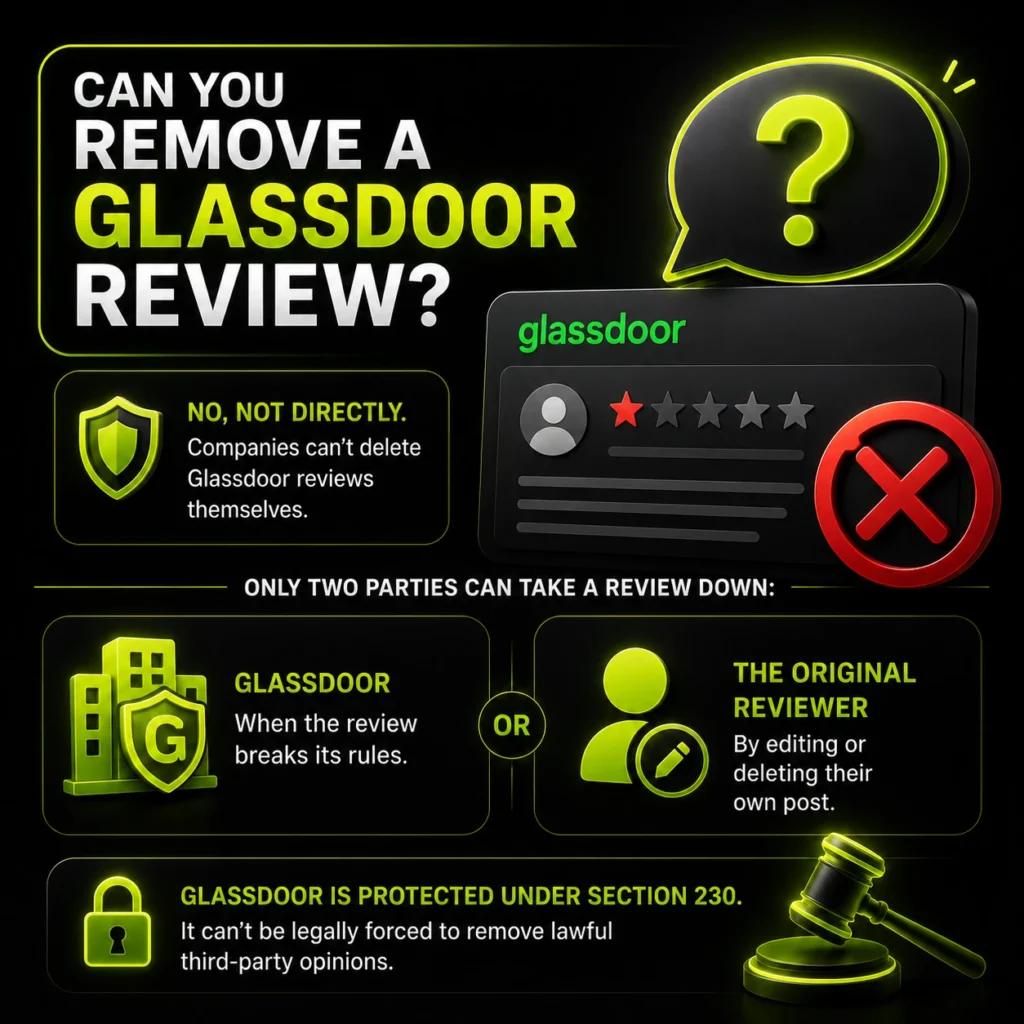
This matters because Glassdoor’s stance is deliberately neutral. Glassdoor does not edit content and does not suppress, filter, or delete reviews simply for being negative or low-rated. Businesses dealing with suspicious or misleading feedback can learn more about how fake reviews can be removed. It is also protected under Section 230 of the Communications Decency Act, which means it cannot be legally forced to remove lawful third-party opinions. So the only realistic route to removal is proving a specific policy violation.
Glassdoor vs Google Reviews: What Is Different?
Glassdoor and Google both protect honest reviews, but the rules and audience differ enough that you cannot treat them the same way. Glassdoor is about employer reputation and read by job seekers; Google is about customer reputation and read by buyers. That changes what qualifies for removal and how you respond.
| Factor | Glassdoor | Google Reviews |
|---|---|---|
| Who reviews you | Current and former employees | Customers |
| Who reads them | Job seekers and candidates | Buyers and clients |
| Account needed to flag | Employer Account (mandatory) | Google Business Profile |
| Naming individuals | Only C-suite allowed | Non-executives can be named |
| Turn reviews off? | No | No |
| Removal basis | Community Guidelines violation | Google policy violation |
| Response time to flag | ~72 business hours | A few days to weeks |
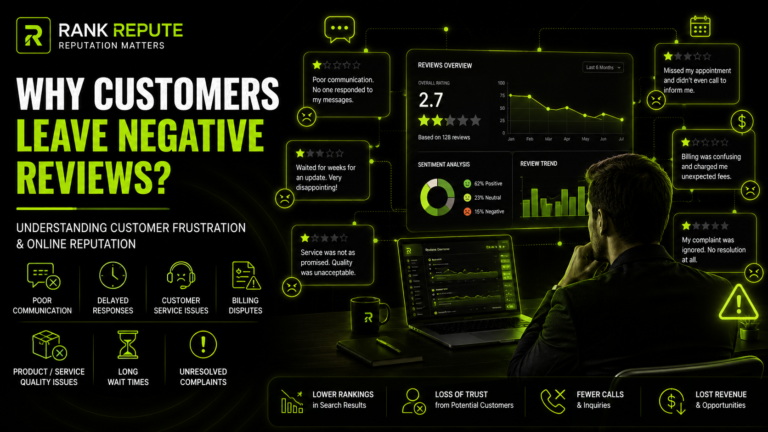
The takeaway is that a review breaking Glassdoor’s rules, such as naming a non-executive manager, might be perfectly allowed on Google. Always match your removal argument to the specific platform’s guidelines, not a general idea of what feels unfair. Understanding why people leave negative reviews can also help businesses address underlying concerns before they damage employer or customer perception.
What Glassdoor Will and Will Not Remove
Glassdoor removes reviews that break its Community Guidelines, not reviews that are merely critical. Knowing the exact line saves you from flagging content that will never come down.
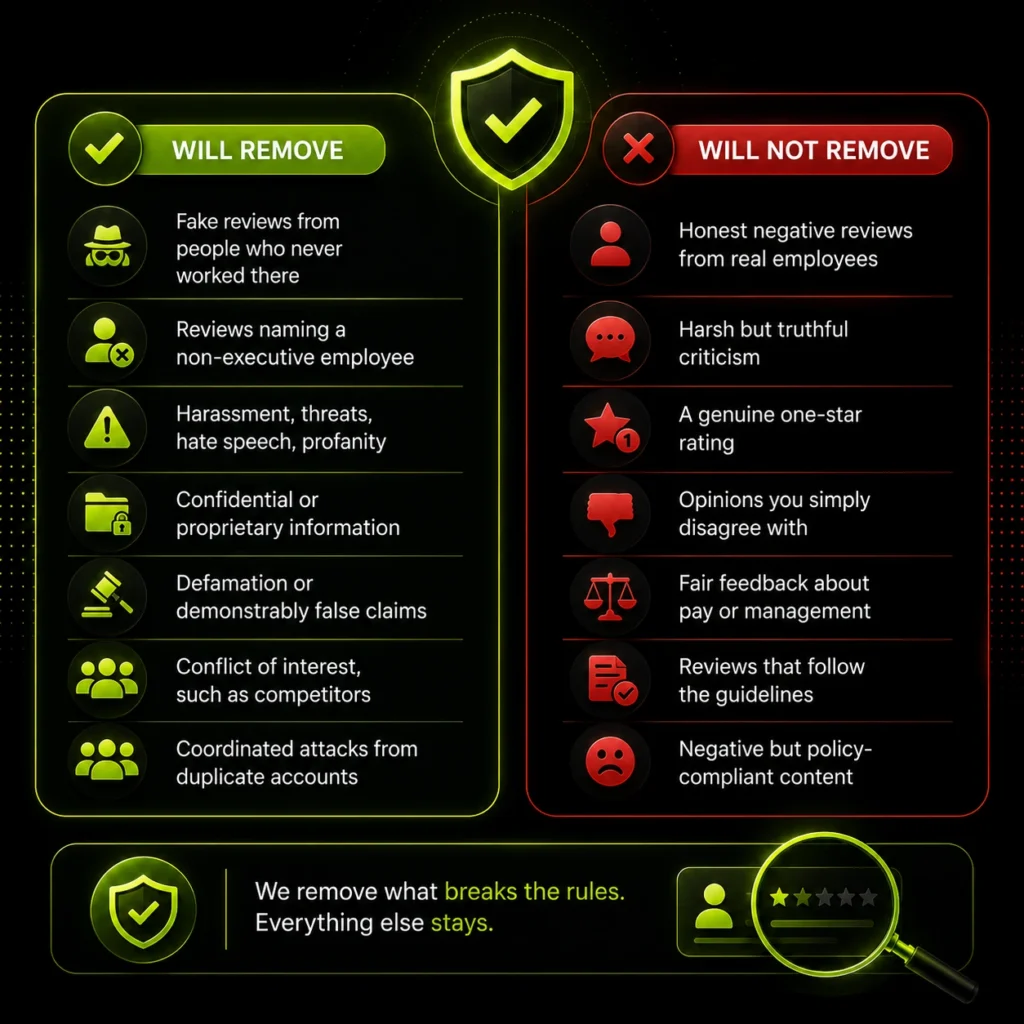
| Usually removable | Rarely or never removable |
|---|---|
| Fake reviews from people who never worked there | Honest negative reviews from real employees |
| Reviews naming a non-executive employee | Harsh but truthful criticism |
| Harassment, threats, hate speech, profanity | A genuine one-star rating |
| Confidential or proprietary information | Opinions you simply disagree with |
| Defamation or demonstrably false claims | Fair feedback about pay or management |
| Conflict of interest, such as competitors | Reviews that follow the guidelines |
| Coordinated attacks from duplicate accounts | Negative but policy-compliant content |
Removal succeeds only when a review falls into a prohibited category like fake employment, defamation, harassment, or confidential data. Everything else stays, which is why response and suppression matter as much as flagging. In cases involving false, misleading, or highly damaging content, businesses may also consider professional negative content removal services as part of a broader reputation management strategy.
Glassdoor Rules You Need to Know First
Glassdoor has platform-specific rules that catch many employers off guard. Understanding them before you act changes what you flag and how.
- You cannot name a myth about paid removal. Glassdoor strictly prohibits businesses from paying to have reviews removed, buried, or hidden, and sponsorship or an Enhanced profile gives no special removal power.
- Naming non-executives is a violation. Reviews may name only C-suite level executives; if a review identifies a manager, HR rep, or colleague by name, it becomes eligible for removal.
- One review per person, per year, per type. Each user gets one review per employer per year for each review type, and gaming this with multiple accounts breaks the rules.
- Glassdoor does not verify employment. Because Glassdoor does not confirm that a reviewer actually worked for you, fake reviews are easier to post, which makes monitoring essential.
- You cannot switch reviews off. Glassdoor does not let employers disable reviews, so proactive management is the only option.
These rules are also your best angles. “This review names our marketing manager by name” is a valid removal case. “This review is unfair” is not.
How Do Negative Glassdoor Reviews Affect Hiring?
Negative Glassdoor reviews hit you where it hurts most: your ability to attract talent. Candidates research employers the same way customers research products, and a poor profile quietly filters out applicants before they ever reach you.
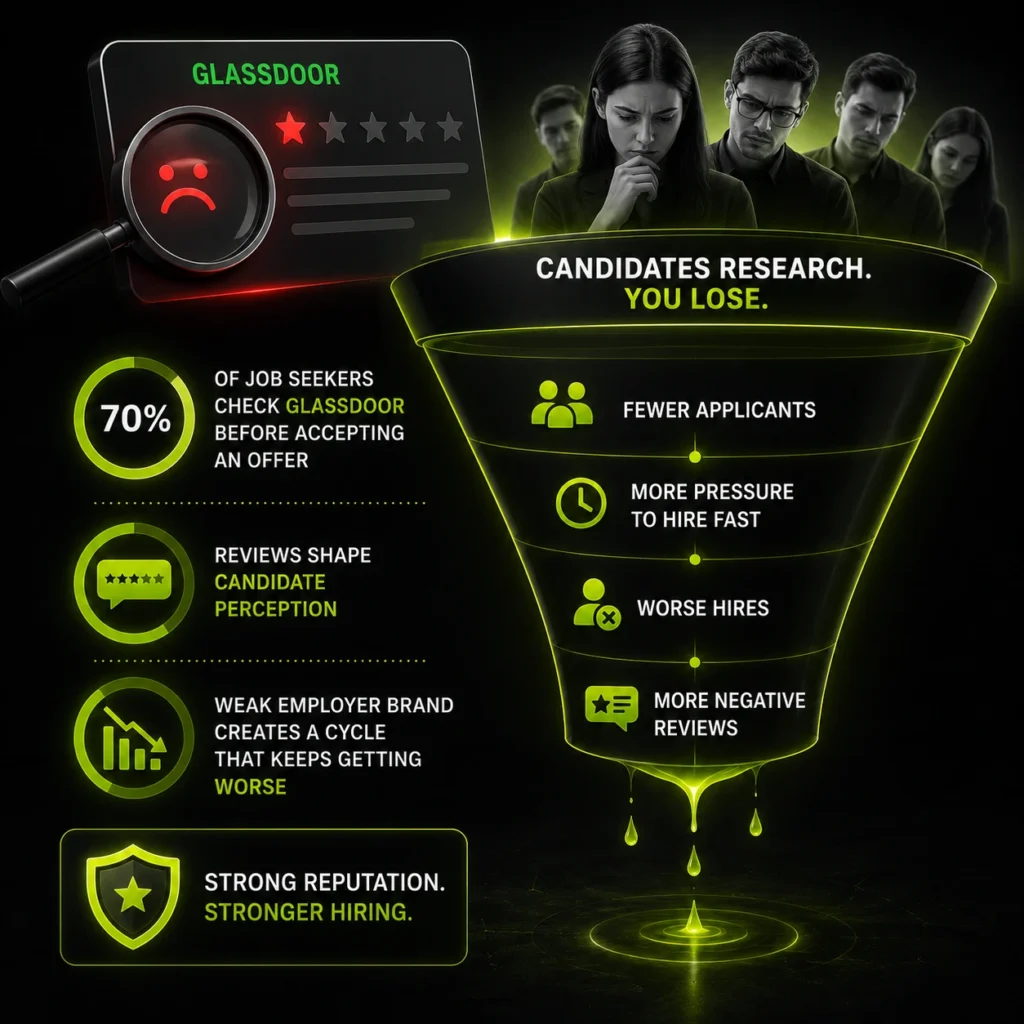
The influence is direct. Research cited by the Society for Human Resource Management shows that around 70% of job seekers consult Glassdoor before accepting an offer, and candidates often read several reviews before forming an opinion of a company. As review volume matters, a collection of positive and negative employee reviews can significantly shape candidate perception before an interview even takes place.
There is a compounding effect, too. A weak employer brand means fewer applicants, which means more pressure to hire quickly, which can lead to worse hires and, eventually, more negative reviews. Breaking that cycle is why employer reputation management matters as much as any recruiting campaign. The reviews are not just opinions; they are a hiring funnel that either fills or leaks.
How to Flag a Negative Glassdoor Review?
If a review genuinely breaks the guidelines, here is the exact process to report it. You need an employer account first, since anonymous visitors cannot flag content.
- Log in to your Glassdoor Employer Account or create a free one at the employer sign-up page.
- Open your company profile and go to the Reviews section.
- Find the specific review and read it carefully to pinpoint the exact violation.
- Click the flag icon below the review.
- Select the reason category, such as false information, harassment, confidential data, or duplicate account.
- Write a clear, evidence-based explanation of the policy it breaks.
- Submit and wait for Glassdoor’s decision.
Glassdoor typically responds within 72 business hours, though escalated cases can take several days to a few weeks. The process is anonymous, so the reviewer is not told who flagged their post. Businesses that invest in social media management are often better equipped to monitor feedback, address concerns, and protect their reputation across multiple online platforms.
How to Write a Flag That Actually Works?
The explanation you write decides whether the review comes down. This is the step most employers get wrong.
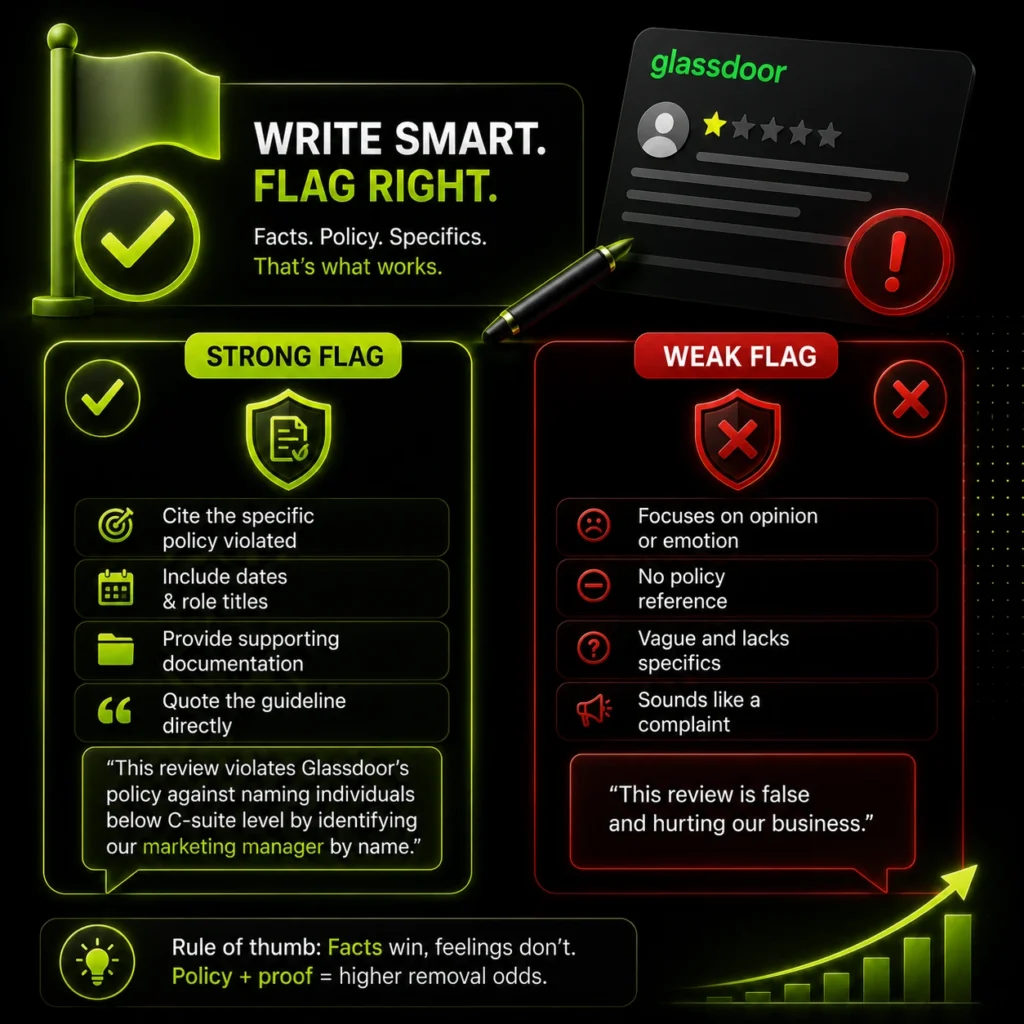
Do not argue that the review is unfair or damaging. Glassdoor does not care about sentiment, only policy. Write a calm, evidence-based explanation that focuses on the specific guideline the review violates, and include dates, role titles, and any supporting documentation. Quote the guideline directly where you can.
A strong flag reads like this: “This review violates Glassdoor’s policy against naming individuals below C-suite level by identifying our marketing manager by name.” A weak flag reads like this: “This review is false and hurting our business.” The first cites a rule. The second just complains. If your case is solid and specific, your odds rise sharply.
What to Do If Glassdoor Won’t Remove It?
Most honest negative reviews will not be removed, so plan for that outcome. You still have four effective moves.
First, appeal once. If your flag is rejected, you can submit additional evidence through the Help Centre, citing the specific guideline and comparing the review to similar ones previously removed. Second, respond publicly. A calm, professional employer response turns a negative review into proof that you take feedback seriously, and future candidates read it. The same principles apply as with responding to negative reviews on any platform.
Third, outweigh it. Encourage current, genuine employees to share their experiences so that a single bad review does not sit among many balanced ones. Fourth, suppress it. When a Glassdoor page ranks for your company name, professional negative content removal and suppression can push it down with stronger positive results.
Common Mistakes Employers Make With Glassdoor Reviews
Most of the damage from a Glassdoor review comes from a bad reaction, not the review itself. These are the errors to avoid.
Threatening or Pressuring the Reviewer
Trying to bully, identify, or legally threaten an anonymous reviewer almost always backfires. It can breach Glassdoor’s rules, trigger more negative attention, and even expose you to legal risk. The only correct channel is Glassdoor’s official flagging process.
Flagging Honest Reviews You Simply Dislike
Reporting a fair, policy-compliant review wastes time and will be rejected. Glassdoor is explicitly neutral on negative feedback. Flag only genuine violations, and save your effort for reviews with a real policy breach.
Arguing in Your Public Response
A defensive, point-by-point rebuttal makes you look worse to every candidate reading. Even when the reviewer is wrong, the argument becomes the story. Respond calmly, acknowledge the feedback, and keep it professional.
Bribing or Coercing Employees for Positive Reviews
Pressuring staff to post five-star reviews or offering rewards for them violates Glassdoor’s authenticity rules and can get all your content removed. Invite honest reviews instead, and let the genuine positives speak for themselves.
Ignoring the Profile Entirely
Leaving reviews unanswered and unmonitored lets fake or abusive content sit for years and signals an employer who does not care. Regular monitoring and thoughtful responses are the baseline, not an optional extra.
Sample Employer Response to a Negative Glassdoor Review
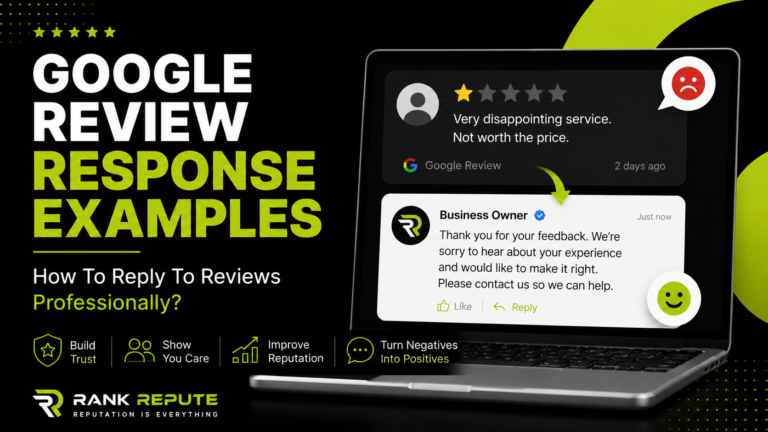
A professional public response is often more powerful than removal, because every future candidate sees how you handle criticism. Keep it calm, brief, and forward-looking. Here is a template you can adapt:
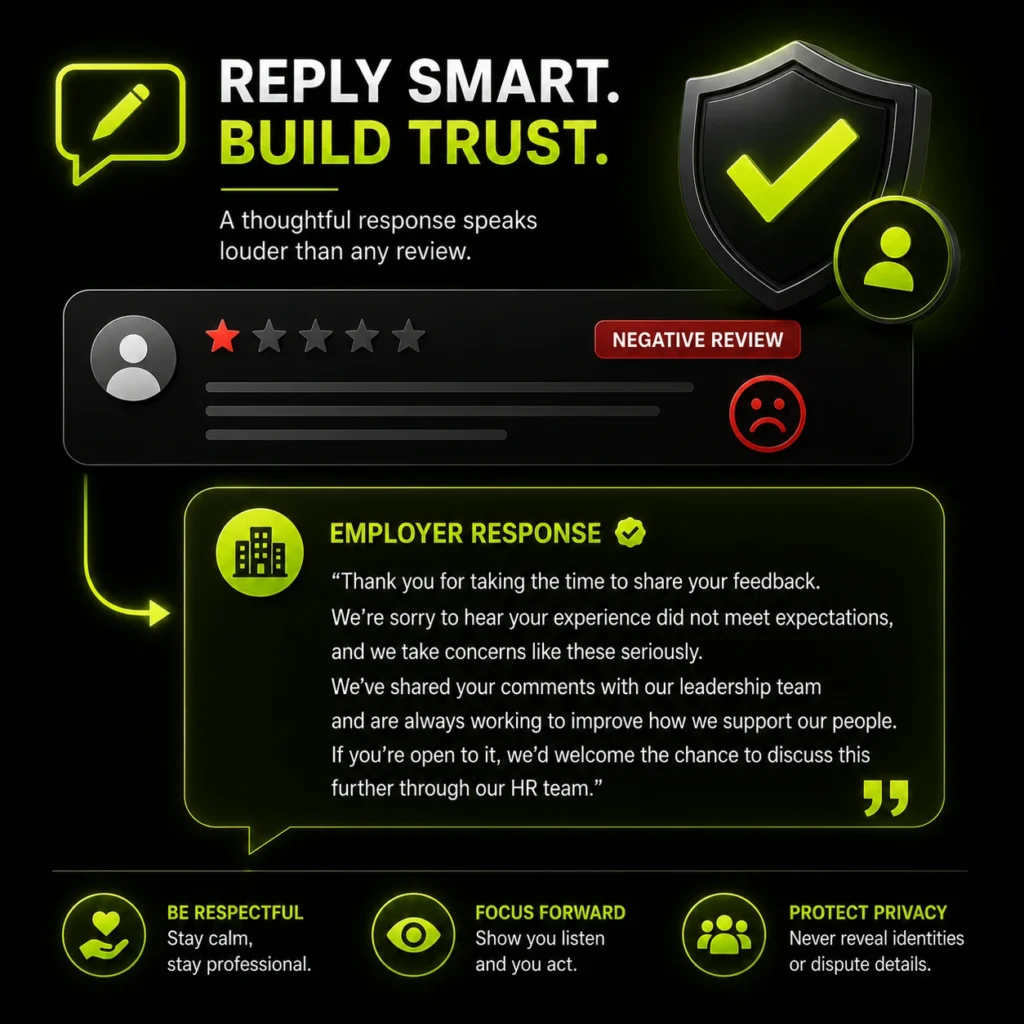
Thank you for taking the time to share your feedback. We’re sorry to hear your experience did not meet expectations, and we take concerns like these seriously. We’ve shared your comments with our leadership team and are always working to improve how we support our people. If you’re open to it, we’d welcome the chance to discuss this further through our HR team.
Adjust the wording to fit your voice, never reveal the reviewer’s identity or employment details, and avoid disputing specifics in public. The goal is not to win the argument. It is to show every reader that you listen and act. Thoughtful responses to employee feedback play an important role in brand building and shaping how future candidates perceive your organisation.
How Much Does Glassdoor Review Removal Cost?
Flagging is free, but the professional and legal routes vary widely. Here is what each option typically costs.
| Method | Typical cost | Notes |
|---|---|---|
| Flagging via Employer Account | Free | Works only for genuine policy violations |
| Professional removal service | $300 to $1,500 per review | Often priced pay-after-removal |
| Legal removal via attorney | $3,000 to $15,000+ | Legal removal via an attorney |
Professional removal services build detailed, policy-based cases and report higher success rates than most self-managed flags, which is why many employers outsource complex or high-stakes reviews. Businesses comparing reputation management pricing should evaluate both the likelihood of removal and the potential impact on hiring and employer reputation. Legal action is a last resort, since Glassdoor’s Section 230 protection means the pressure usually has to fall on the reviewer, not the platform.
How to Prevent Negative Glassdoor Reviews
The best long-term fix is fewer reasons to complain and more positive voices on your page. Prevention beats removal every time.
- Monitor your Glassdoor profile regularly so fake or abusive reviews are caught early.
- Act on genuine feedback internally, since recurring complaints signal real issues.
- Invite current employees to share honest reviews during milestones or onboarding.
- Respond to every significant review, positive or negative, to show an engaged employer.
- Build a broader positive presence so Glassdoor is not the only story candidates find.
Because research cited by the Society for Human Resource Management shows that around 70% of job seekers consult Glassdoor before accepting an offer, a healthy profile directly affects hiring. Ongoing reputation monitoring keeps you ahead of problems instead of reacting to them.
Frequently Asked Questions
Can employers delete Glassdoor reviews?
No. Employers cannot delete Glassdoor reviews directly. You can only flag reviews that break Glassdoor’s Community Guidelines for moderator review. Glassdoor removes content solely when it violates policy, and the original reviewer can edit or delete their own review at any time.
What kind of Glassdoor reviews can be removed?
Reviews that violate Glassdoor’s guidelines, including fake reviews from non-employees, posts naming a non-executive by name, harassment, threats, confidential information, defamation, and conflicts of interest. Honest negative feedback from real employees is not removable, even at one star.
How long does Glassdoor take to review a flagged review?
Usually within 72 business hours, though some cases take several days to a few weeks if escalation or further investigation is needed. Flagging does not guarantee removal; Glassdoor assesses each report against its policies before deciding.
Can you pay Glassdoor to remove a review?
No. Glassdoor strictly prohibits paying to have reviews removed, buried, or hidden. Sponsoring Glassdoor or upgrading to an Enhanced profile gives no control over reviews. Any service claiming it can pay Glassdoor for removal is misleading you.
What should I do if Glassdoor refuses to remove a review?
Appeal once with stronger evidence, respond to the review publicly and professionally, encourage genuine employees to add balanced reviews, and use search suppression to push the page down. Honest reviews usually stay, so managing perception matters more than deletion.
Does Glassdoor tell the reviewer when you flag their review?
No. The flagging process is anonymous, so the reviewer is not told that their post was reported or who reported it. Glassdoor simply assesses the flagged content against its Community Guidelines and notifies you of the decision, not the reviewer.
Can you sue someone for a false Glassdoor review?
Potentially, but it is a last resort. Glassdoor itself is protected under Section 230 and cannot usually be forced to remove content, so any legal action targets the reviewer, not the platform. Defamation cases are expensive and hard to win, and legal threats should only be handled through a qualified attorney.
How do I respond to a bad Glassdoor review as an employer?
Reply calmly and professionally through your Employer Account. Thank the reviewer, acknowledge the concern without disputing specifics, avoid revealing their identity, and invite further discussion offline through HR. A composed public response reassures future candidates far more than an argument or silence ever could.
Can I turn off or hide reviews on my Glassdoor page?
No. Glassdoor does not let employers disable, hide, or switch off reviews, even with a paid or Enhanced profile. Your only options are flagging genuine policy violations, responding publicly, generating authentic positive reviews, and suppressing the page in search when needed.
Are fake Glassdoor reviews against the rules?
Yes. Reviews from people who never worked at your company, competitor sabotage, and coordinated attacks from duplicate accounts all violate Glassdoor’s guidelines and can be removed. The challenge is that Glassdoor does not verify employment, so you often need to build a clear, evidence-based case when flagging a suspected fake.
Conclusion
Removing a negative Glassdoor review comes down to one test: does it break the rules? Glassdoor will take down fake, abusive, defamatory, or policy-violating content when you flag it with a clear, evidence-based case through your Employer Account. It will not remove honest criticism, no matter how much it stings. For those reviews, the winning approach is a professional public response, a steady flow of genuine employee reviews, and suppression when the page ranks for your name. If you would rather have Glassdoor and your wider employer reputation handled properly, a reputation audit is the place to start.